How to Install an eSIM on iPhone and Android for Sri Lanka
Step-by-step eSIM setup for iPhone and Android before your Sri Lanka trip, with a compatibility check and fixes for the most common problems.
Setting up a travel eSIM takes about five minutes. This guide walks you through it on iPhone and Android, so you land in Sri Lanka already connected.
What is an eSIM?
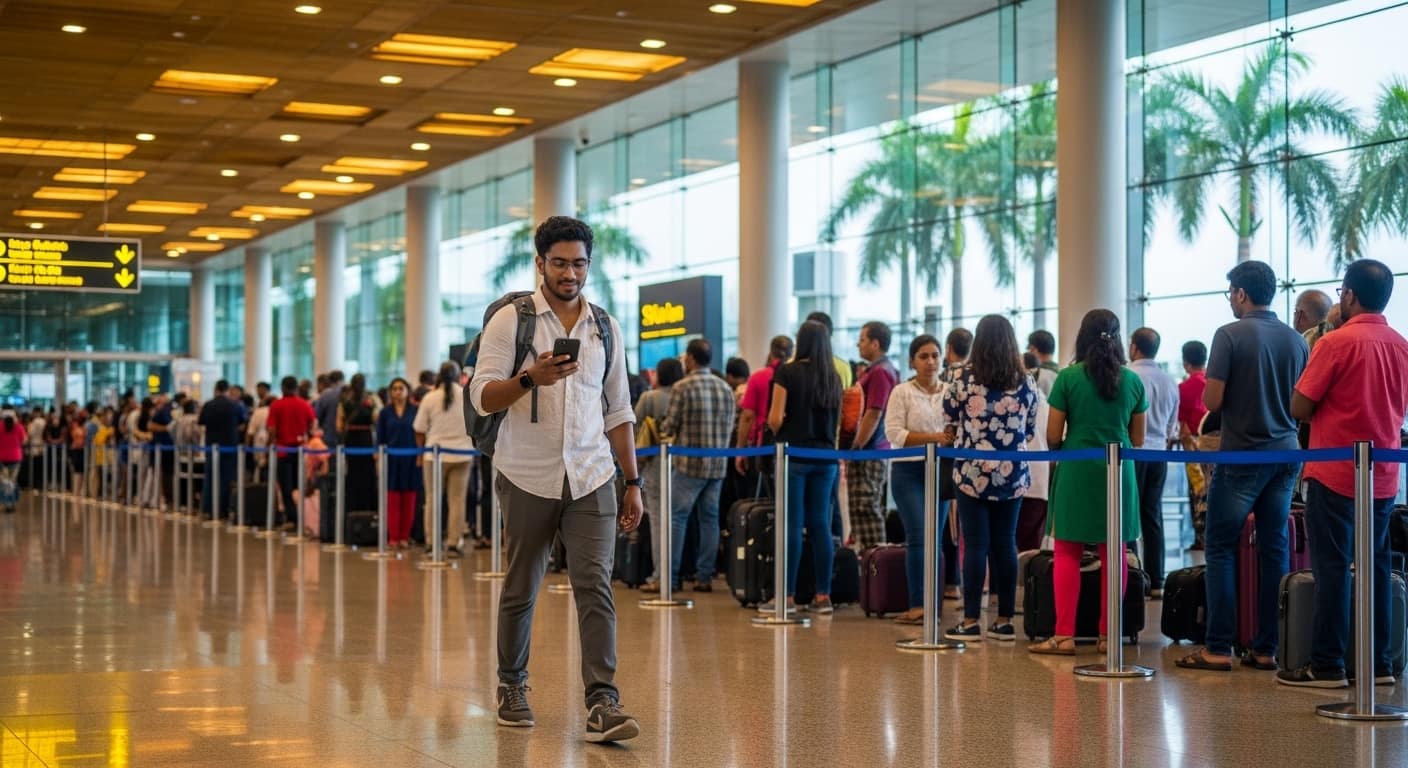
An eSIM is a digital SIM built into your phone. Instead of a plastic card from a counter at Bandaranaike Airport, you install a profile from a QR code. Your home SIM stays in the phone, so you keep your number.
Step 1: Check Your Phone Supports eSIM
- iPhone: XS, XR and newer (iPhone 11, 12, 13, 14, 15 and later). Models sold in mainland China may not support eSIM.
- Android: most recent Google Pixel (3 and newer) and Samsung Galaxy S20 and newer, plus many other recent models.
- Quick test: dial
*#06#. If you see an EID number, your phone has an eSIM. - Your phone must be carrier-unlocked. If you bought it on a contract, ask your carrier.
Step 2: Buy Your Plan
Compare Airalo, Saily and Yesim, choose your data and days, and pay online. You receive a QR code by email or in the provider's app. Not sure which to pick? See our provider comparison.
Step 3: Install on iPhone
- Connect to Wi-Fi.
- Open Settings > Mobile Service (or Cellular) > Add eSIM.
- Tap Use QR Code and scan the code.
- Tap Continue and wait for the plan to install.
- Label it, for example "Sri Lanka", and keep your main line for calls.
- Set Mobile Data to the new eSIM line.
Step 4: Install on Android
- Connect to Wi-Fi.
- Open Settings > Network & internet > SIMs > Add eSIM (on Samsung: Settings > Connections > SIM manager > Add eSIM).
- Choose Scan QR code and scan.
- Confirm and wait for installation to finish.
- Name the line and set it as your mobile data SIM.
Menu names vary slightly between brands. If you can't find them, search "eSIM" in Settings.
Step 5: Switch It On in Sri Lanka
- Install before you fly, on Wi-Fi at home.
- When you land, turn off Airplane Mode.
- Switch on Data Roaming for the eSIM line only. Your travel eSIM needs it to connect.
- Many plans start counting days from the first time they connect, but some start at installation. Check your provider's terms.
Common Problems and Fixes
"Unable to add eSIM" or the QR code fails: a QR code usually works once. If it failed halfway, contact the provider for a new one. Never delete an eSIM you still need.
No data after landing: check Data Roaming is on for the eSIM, set the eSIM as your data line, then restart your phone.
No signal: switch Network Selection from automatic to manual and try another local network.
Texts from home not arriving: this is normal if your home line is off. Keep it on for SMS, with data roaming off to avoid charges.
Pro Tips
- Screenshot your QR code and details, but don't share them.
- Turn off data roaming for your home line.
- Download offline maps as a backup.
Ready to Get Connected?
You're five minutes from being online the moment you land. Visit our home page to compare plans, buy your eSIM and scan the code today.
No airport queue, no passport handover, just open your phone and go.
Travel Sri Lanka with Sri Lanka Safe
Fair tuk-tuk prices, scam alerts, offline emergency contacts and AI trip planning, in one free app.