eSIM Not Working in Sri Lanka? 9 Fixes That Usually Work
No data, no signal or an eSIM that won't install? Work through these nine fixes in order before you contact support.
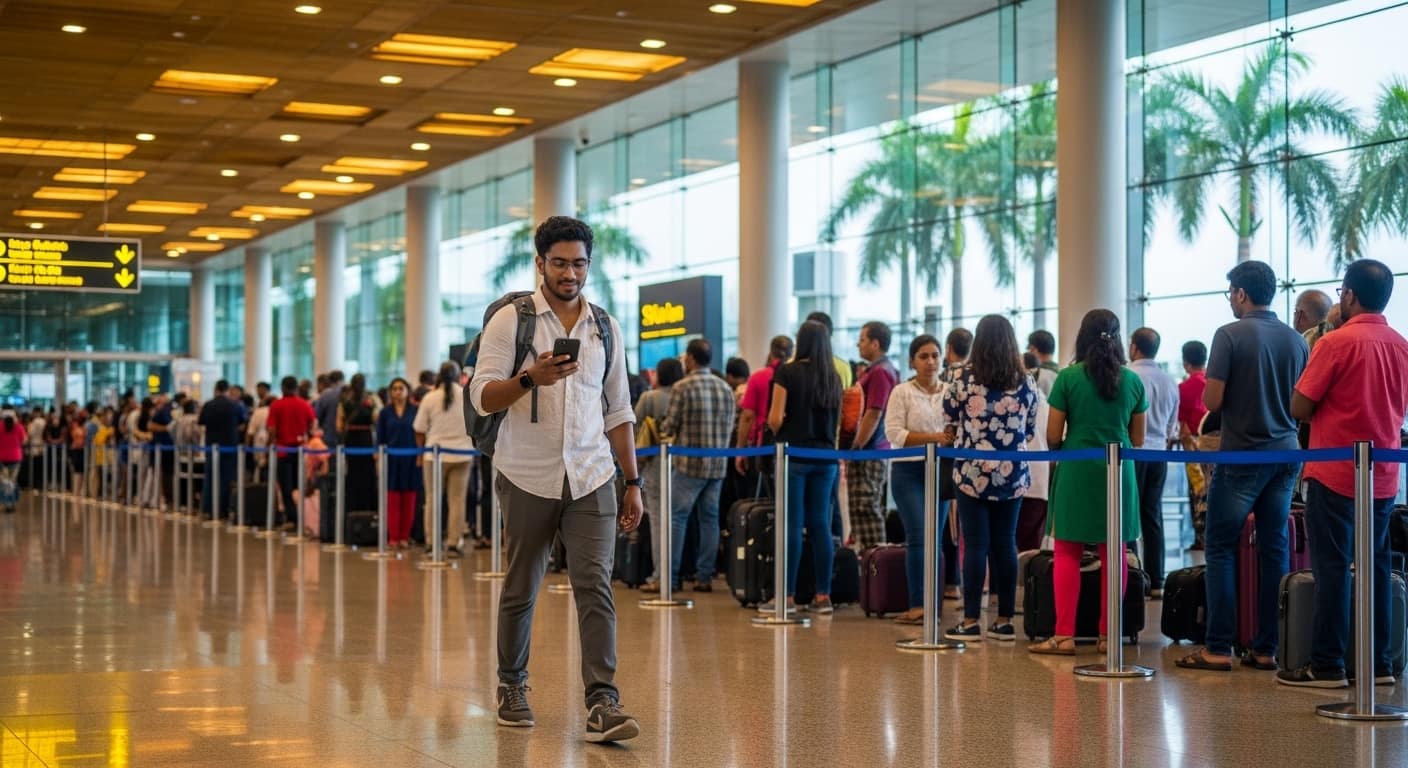
You landed, but there is no data. Don't panic: most eSIM problems come down to a few settings. Work through these in order.
What is an eSIM?
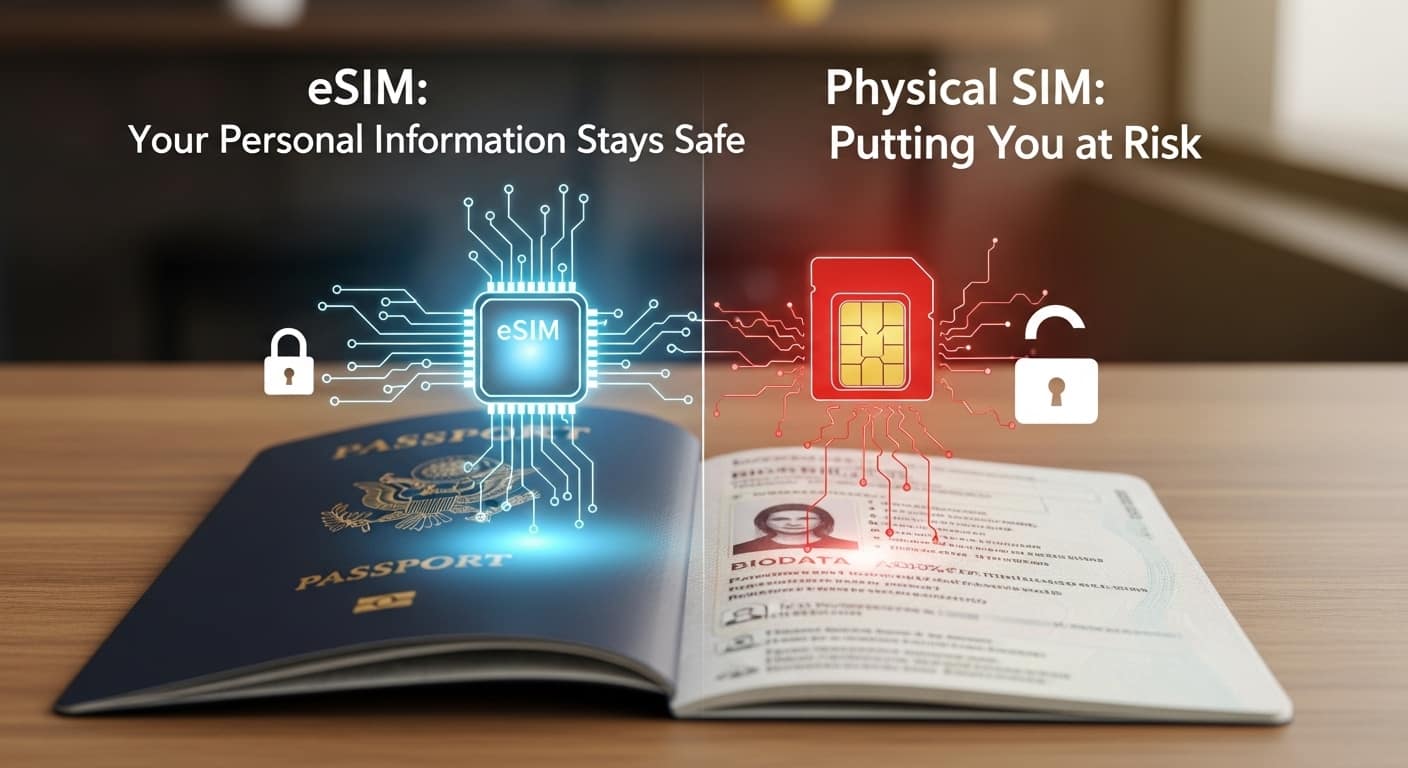
An eSIM is a digital SIM built into your phone. You install a plan from a QR code and connect to local networks such as Hutch and Mobitel. Because it is software, most issues are fixed by a setting or a restart.
Fix 1: Turn Off Airplane Mode
Turn Airplane Mode on, wait ten seconds, then off. This forces the phone to search for a network again.
Fix 2: Check the eSIM Line Is On
In Settings, open Mobile Service or SIMs and make sure the travel eSIM line is switched on.
Fix 3: Set the eSIM for Mobile Data
Choose the travel eSIM as your Mobile Data line. If your home SIM is selected, you won't use the eSIM's data.
Fix 4: Turn On Data Roaming for the eSIM
Travel eSIMs usually need Data Roaming on for that line. Switch it on for the eSIM only, and leave it off for your home line to avoid charges.
Fix 5: Restart Your Phone
A simple restart fixes many stuck connections.
Fix 6: Choose the Network Manually
Turn off automatic network selection and pick another local network from the list. Then switch back to automatic if you like.
Fix 7: Check Your APN Settings
Most eSIMs set this automatically. If not, your provider's instructions list the APN to enter manually under Mobile Data Network.
Fix 8: Check Your Plan Hasn't Expired or Run Out
Open your provider's app or email to check the days and data remaining. If you ran out, top up or buy a new plan.
Fix 9: Ask Support for a New QR Code
If the eSIM won't install or shows an error, contact the provider. A QR code usually works once, so you may need a new one. Never delete an eSIM you still need.
Still No Signal?
You may be in an area with weak coverage, such as a mountain road or national park. See our coverage by region guide, and use offline maps as a backup.
Prevent Problems Next Time
- Install on Wi-Fi at home, before you fly
- Check compatibility first with our device guide
- Follow our installation guide
Ready to Get Connected?
Most problems are solved in minutes. Visit our home page to compare reliable eSIM plans and set up before your flight.
Set it up at home, and the airport is just a walk to your next stop.
Travel Sri Lanka with Sri Lanka Safe
Fair tuk-tuk prices, scam alerts, offline emergency contacts and AI trip planning, in one free app.